The Top 5 Essentials of Digital Marketing

You’ll read a lot of advice about the different elements of digital marketing, including software and platforms, that you “simply must have”.
What this really means is that there are a lot (and I mean a lot) of companies out there hawking their platforms as “essentials for any digital marketer”, which means a lot conflicting, confusing messages out there all designed to part you from your time and money.
That said, going digital does mean getting on digital. And that means adopting the processes and platforms you’ll need to get started.
Here’s my list of The Five Basics of Digital Marketing:
Website
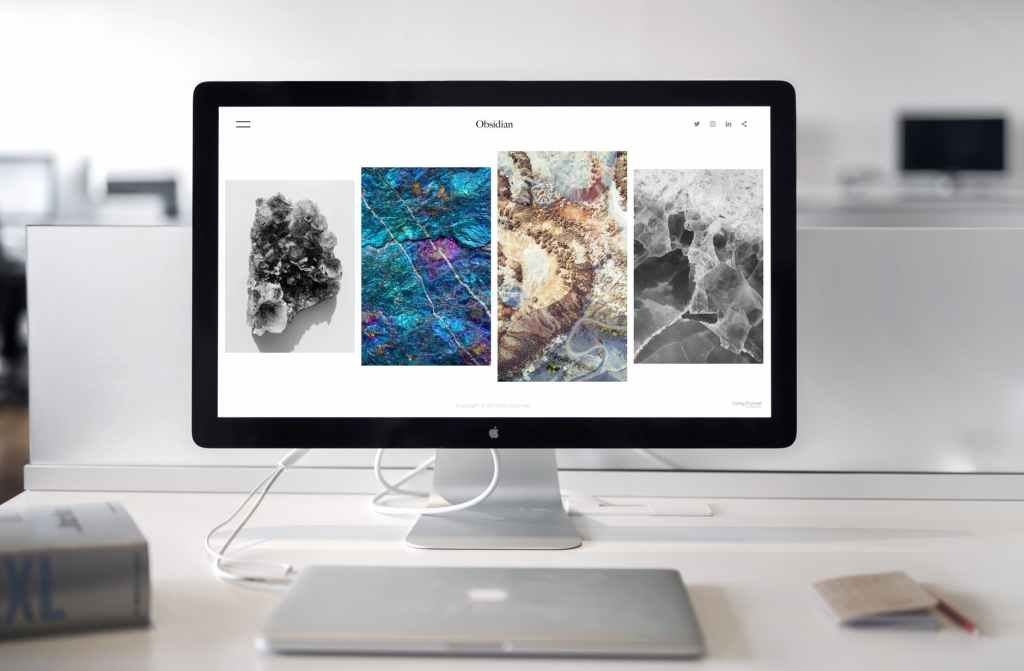
This is your principal residence online and its pages are the rooms in that residence. The stuff you put on those pages will be your content.
And you want to make the whole thing pretty for when your guests come by. So, organize it carefully and well.
The classic option – and who doesn’t love a classic? – is WordPress.
You’ve got two options here:
Your choice will depend on your needs, so get really clear on those before you buy anything.
WordPress.com is good (and fairly easy to use) for first-timers and small business-owners who just need to get some good-looking real estate up online without too many bells and whistles – you pay for all the bells and whistles.
WordPress.org is the more business-like of the two and has a lot more functionality – many of the bells and whistles are included.
The main difference being that .com is kind of pay as you go (charging you for each added widget or function you add); whereas, .org has the principal charges up front and then a lot of the widgets and functions are included (though there are still many advanced products that you would pay for.)
And bear in mind that while .org is more functional, it is also a bit more complex than .com
A word, here, on Hosting:
If the website is your house, then the Host is the land on which it sits.
WordPress.com handles the hosting for you in the initial fee; WordPress.org uses Bluehost to house any website built from its platform – and you pay a separate subscription fee for that.
So what’s the difference?
Search Engine Optimization
It’s a big, fancy, high-falutin’ term, known by the Infoscenti simply as “SEO”, which refers to how easily and profoundly a search engine – like Google – can trawl through your website and throw it up as a result when someone (a customer?) does a search with keywords that matches your website’s content. (It’s a mouthful, I know.)
The implicit message here is: make sure you have keywords in your content that people are looking for.
This all links back to whether you go for the .com or .org version of WordPress.
For WordPress.com you will have to pay for additional plug-ins (functions) that help Google crawl through your website. With WordPress.org there are several plug-ins included in your upfront fees.
The classic option – and who doesn’t love a classic? – is Yoast. Yoast helps you figure out (via finicky little back-end algorithms) whether your sentences are too long, your paragraphs are too long, or if your keywords aren’t clear enough. It’s a great tool and makes Google’s job a lot easier which is something we all want.
Content

Here are the drapes, the sofa, the kitchen table and the pictures on the wall: all of that helpful stuff that’s going to solve problems for your visitors/customers/audience.
On a website, you’ve got three choices:
- Written – a blog
- Audio – a podcast
- Video – an online tv show
For written material you can go to any bookstore and find literally hundreds of books on “good writing”.
I highly recommend two books that Ann Handley has written or been involved with. You can find out all about them in my book series: The Quill & Squire.
For audio, you’ll have roughly three steps and each of those steps will have a separate platform.
- Recording – Zencastr – FREE and Paid versions; Free lets you interview one other person. Zencastr will do a simple remix putting all your stuff together for a very nominal fee.
- Editing – Audacity – Totally FREE – just download to your laptop/desktop; there are loads of how-to videos out there as well as courses at LinkedIn Learning.
- Posting/Hosting – Podbean – FREE – sort of. You can upload your edited podcast here (in several formats WAV, mp3, etc); however, there are a few restrictions on file size for the free version and the template that listeners will see is fixed. But the FREE is perfectly fine for a first-timer.
For Video, you’ve basically got two choices:
- YouTube – FREE account still provides a lot of functionality in YouTube Studio but quality can be an issue
- Vimeo – PAID to do anything other than upload a pre-made video – but the subscriptions can be quite low depending on the options you need.
Social Media

You need to get all that rich content out there into the world where people can find it.
The social platforms you choose should be aligned with both your product and your visitors/customers/audience. (You probably won’t try to reach Baby Boomers on Snapchat.)
But suffice it to say, here are your principal options:
- Twitter – up-to-the-minute news and announcements – short and quick with links
- Facebook – PAGES – longer with links
- Instagram – images and video clips – REALLY short, sometimes with links
- LinkedIn – professional, industry-minded posts – short and long content
Keep an eye on:
- TikTok – searchable video service – creative, quick and short
Whole articles can be written about social media and each of its popular platforms, so I’ll dedicate a separate post to each one.
Analytics
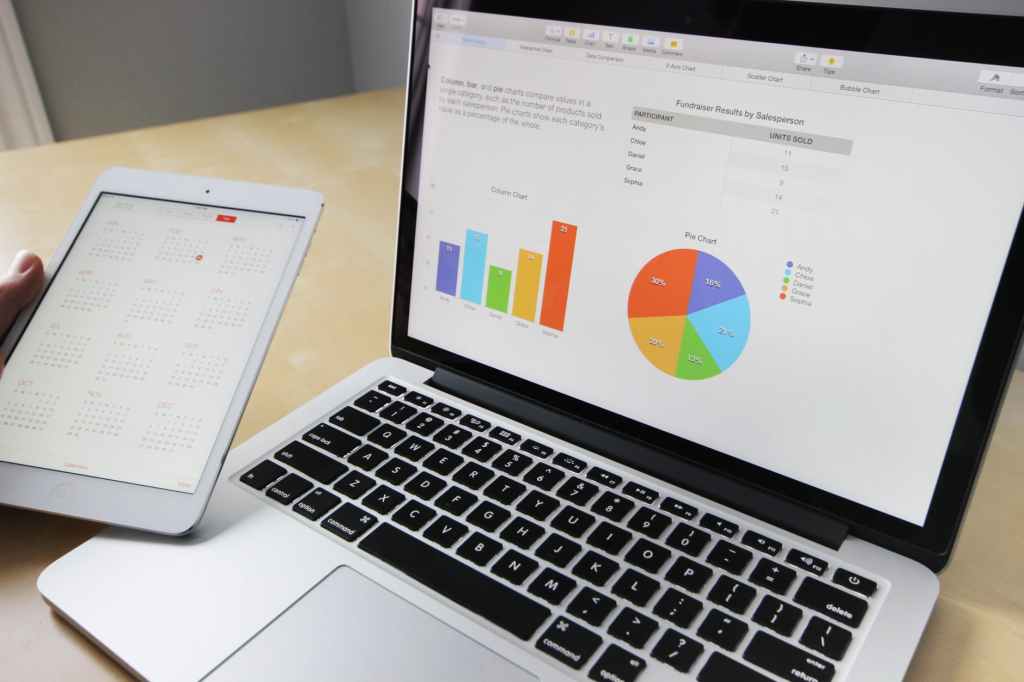
Once you’ve got your website built, your interior pages filled with useful, keyword-rich content – including audio and video – and you’ve flung open the gates on social media, you’ll need to track and analyze everything (and everyone) who comes through your doors.
The classic option – and who doesn’t love a classic? – is Google Analytics. It’s the industry standard and allows you to track almost anything on your website. Which then helps you to adjust the content you’re putting out there.
And the best part is, Google offers its own certification course for Analytics.
A note on the classics
Once you’ve learned to use the classics (aka: industry standards) you’ll be able to easily switch to others as the required functions are the same across platforms. (Sound editing is fairly universal, so once you learn the processes on one platform, you’ll be able to switch to others – with just a few tweaks.)
So, keep these 5 elements in mind as you expand your digital marketing efforts and you won’t go wrong.
 Digital Esquire